

Article

Operating Systems 101: An Overview of Operating Systems and Which One is Favorable for You


 By :
By : 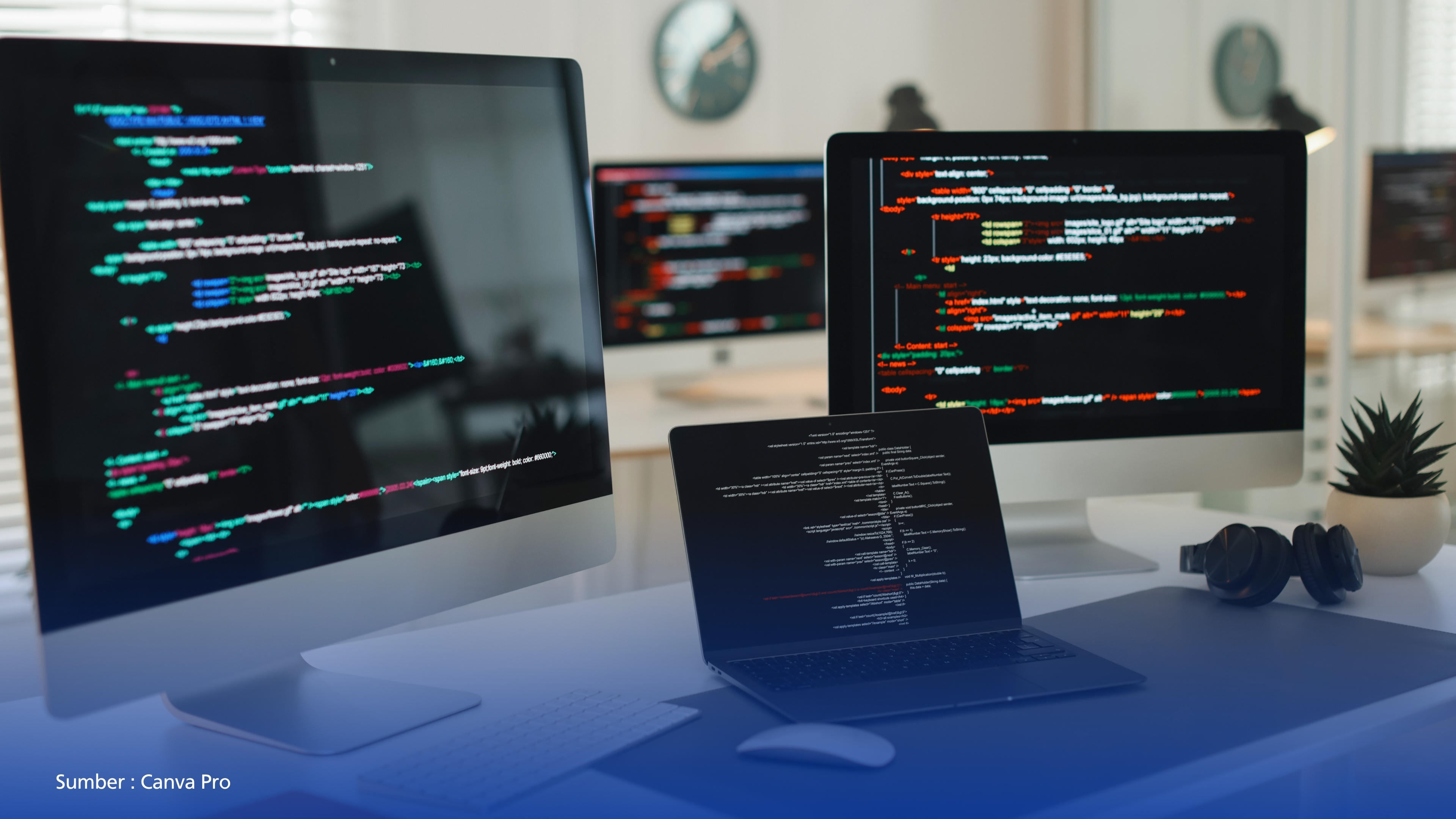
When we use a hardware device, there is an underlying backbone that serves as the primary foundation for its operation. Without a structured foundation, hardware cannot function optimally. This is precisely where the role of the Operating System (OS) becomes essential.
Fundamentally, an operating system is a collection of core software responsible for managing overall hardware performance—essentially functioning as the “brain” and “nervous system” that regulate our everyday devices.
An OS begins operating when the device’s Power Supply Unit (PSU) is activated and the system enters the initialization phase, commonly referred to as booting. During and after this process, the OS loads key components such as RAM, initiates background system processes, and initializes the user interface (UI).
The development of operating systems dates back to the 1950s. General Motors Laboratories is credited with creating one of the earliest operating systems, the GM-NAA I/O, which was used on the IBM 704 mainframe computer. At that time, operating systems were limited to executing a single program before proceeding to another task. Over time, OS development has undergone significant optimization, enabling not only more advanced computation but also improved user interfaces and more efficient CPU performance.
Several widely used operating systems today include Windows, macOS (Macintosh Operating System), Unix, and Linux. Each operating system offers distinct advantages and disadvantages that may serve as important considerations for users.
Among these, Windows is often regarded as the most universal and user-friendly operating system. It offers extensive hardware compatibility and supports a wide range of software applications. However, despite its flexibility, Windows is often criticized for its susceptibility to bloatware and relatively weaker security compared to macOS, Unix, and Linux.
macOS, developed by Apple Inc., provides a tightly integrated ecosystem alongside robust security features, including a strong firewall system. Its architecture is also known for effectively managing bloatware, making it a preferred choice for creative applications such as design and video editing. Nevertheless, its primary limitation lies in its closed ecosystem, which restricts the installation and execution of certain software applications.
Linux, a Unix-like operating system, dominates server infrastructure and cloud computing environments, although its presence in the personal desktop market remains relatively limited. Unlike Windows and macOS, Linux offers superior security and nearly limitless customization capabilities. Most Linux distributions are open source, allowing users and developers to modify, build, and distribute code freely through the Linux kernel.
These characteristics make Linux a primary platform for programmers and system administrators. However, Linux still faces challenges in running certain commercial software natively, particularly creative applications from Adobe and some major video games that rely on proprietary anti-cheat systems.
Additionally, Linux has a relatively steep learning curve due to its reliance on terminal-based operations and structural differences compared to the conventional graphical interfaces of Windows and macOS.
By understanding the strengths and limitations of various operating systems, users can make informed decisions that align with their needs, preferences, and intended use cases.
Therefore, a comprehensive understanding of each OS’s characteristics is crucial—especially for students and technology users—to maximize device performance in an effective, efficient, and adaptive manner amid the continuously evolving digital landscape.
Source of References:
Kelebihan dan Kekurangan Sistem Operasi Terkenal - Dicoding Indonesia
Kelebihan dan Kekurangan Linux Sebagai Sistem Operasi Gratis - Rumah Web
(Danang Respati Wicaksono / Humas UNDIRA)
Press Contact :
Biro Humas & Sekretariat Universitas Dian Nusantara
Facebook : www.facebook.com/undiraofficial
Instagram : www.instagram.com/undiraofficial
Twitter : www.twitter.com/undiraofficial
www.undira.ac.id
Other

From Words to Data and Works: Understanding Prompt Engineering and Tips for Its Use
Read more.jpg)
Maintaining Idealism or Maintaining Life: The Job Hugging Phenomenon in the Midst of Society 5.0
Read more
Crossing Two Islands to Achieve Success: UNDIRA Students Bring Home Medals at the Student Invitational Tournament
Read more
Campus Tanjung Duren
Jln. Tanjung Duren Barat II No. 1
Grogol, Jakarta Barat. 11470
Campus Green Ville
JIn. Mangga XIV No. 3
Campus Cibubur
Jln. Rawa Dolar 65
Jatiranggon Kec. Jatisampurna, Bekasi. 17432
Campus Cibubur Kranggan Raya
Jln. Raya Kranggan, No.6, RT 006/ RW 008
Jatiranggon Kec. Jatisampurna, Bekasi. 17432


